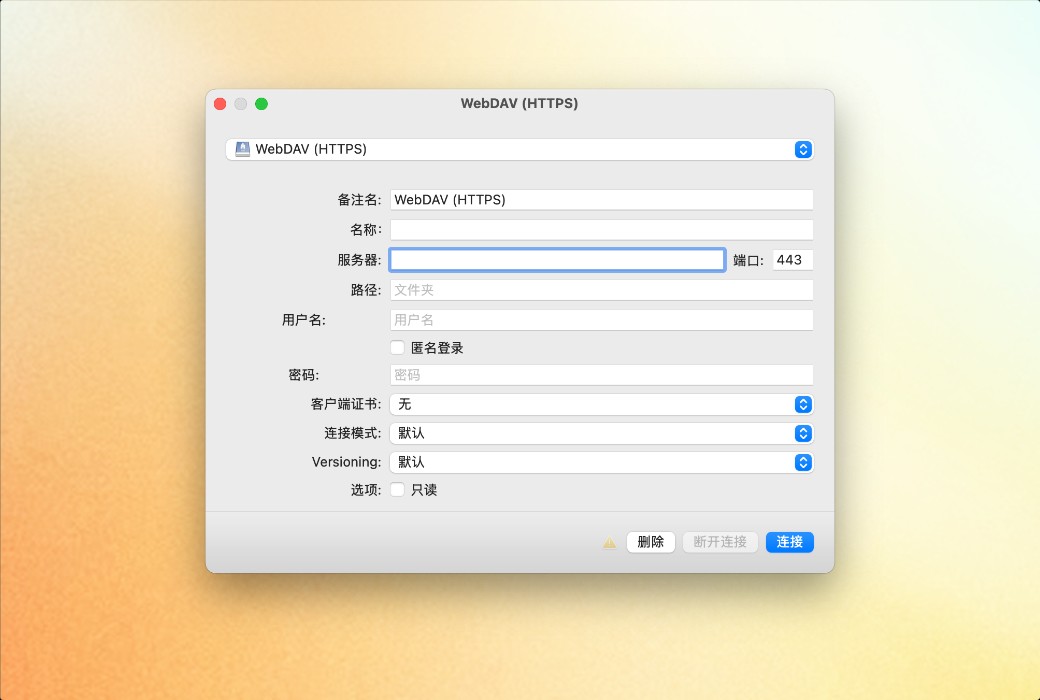
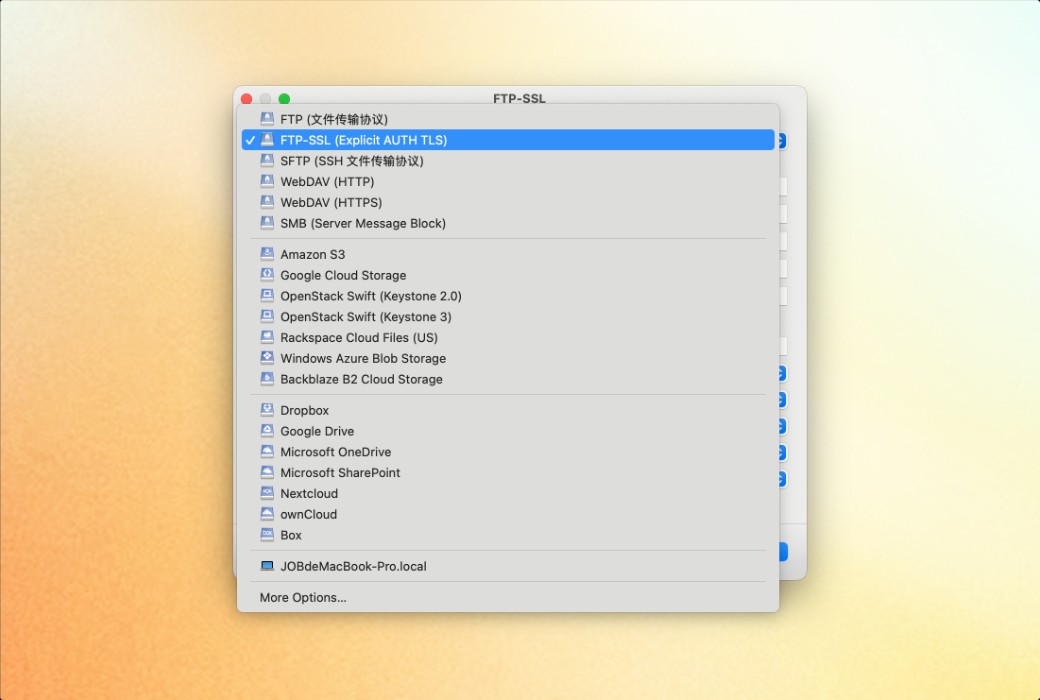
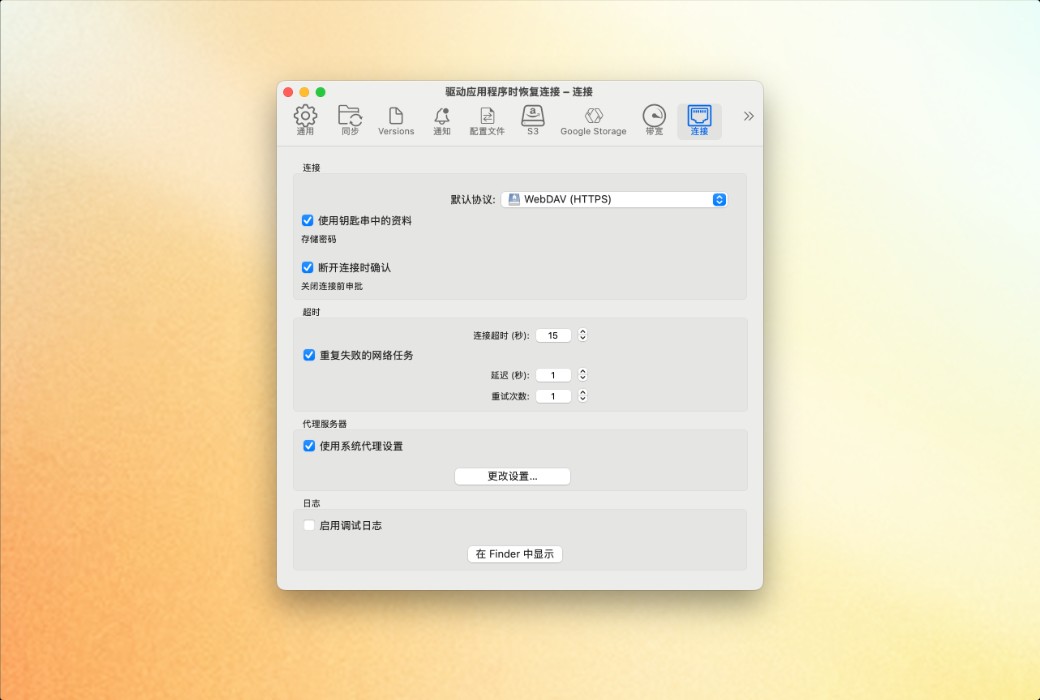
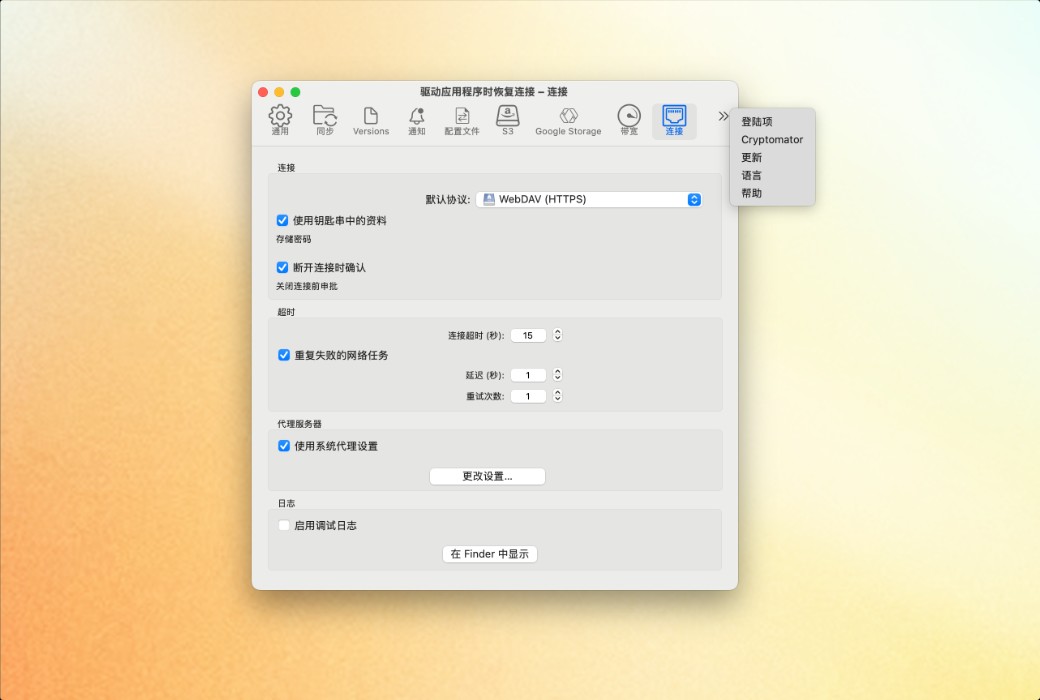
Mountain Duck is a Cyberduck extension used for mounting volumes in the file manager.
Mountain Duck allows you to mount servers and cloud storage as disks, providing direct access in macOS's Finder and Windows's File Explorer. You can open remote files using any application, experiencing the same operation as handling local disks.
Integrated Connection Mode (Version 5)
The new Integrated Connection Mode synchronizes with the File Provider (macOS) and Cloud Files (Windows) APIs. No device drivers or network mounting are required. It follows the familiar interface style of iCloud and OneDrive for users.
Smart Synchronization
You can view all files on remote storage, regardless of whether they have been synchronized to your computer. Files are automatically synchronized to your local disk when opened, allowing offline use.
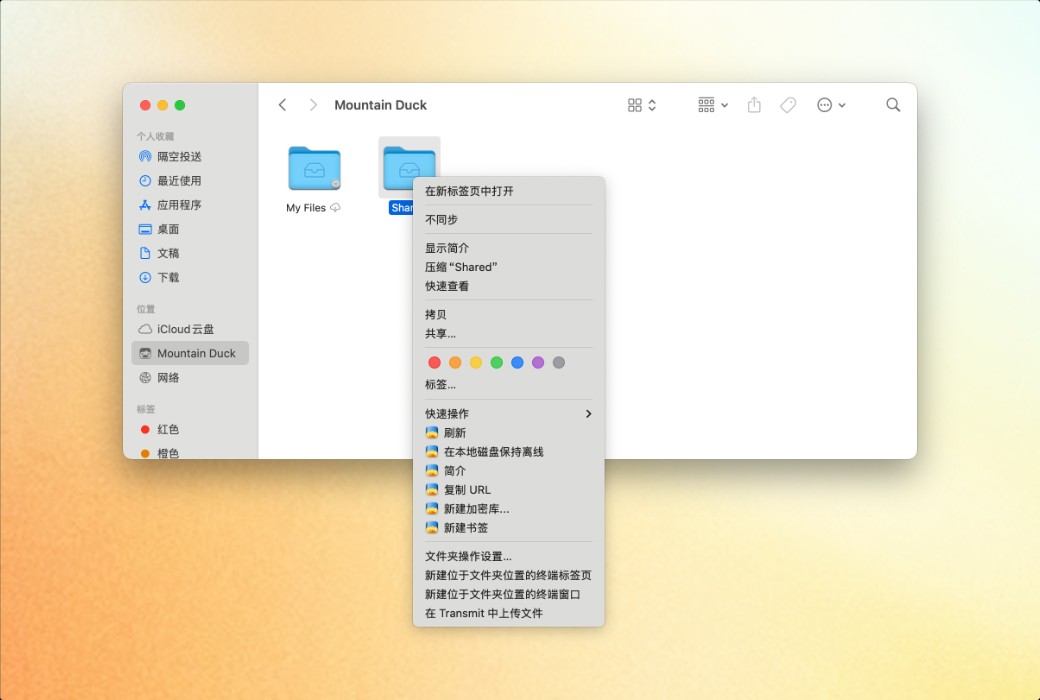
- Offline Work: Select documents and folders that need to always remain offline on your computer. Other files are only downloaded and cached when accessed on demand, otherwise they do not occupy local disk space.
- Background Upload: Changes are automatically uploaded in the background once a connection is available. The status icon displays the synchronization progress.
Highly Integrated, Low-Distraction Interface
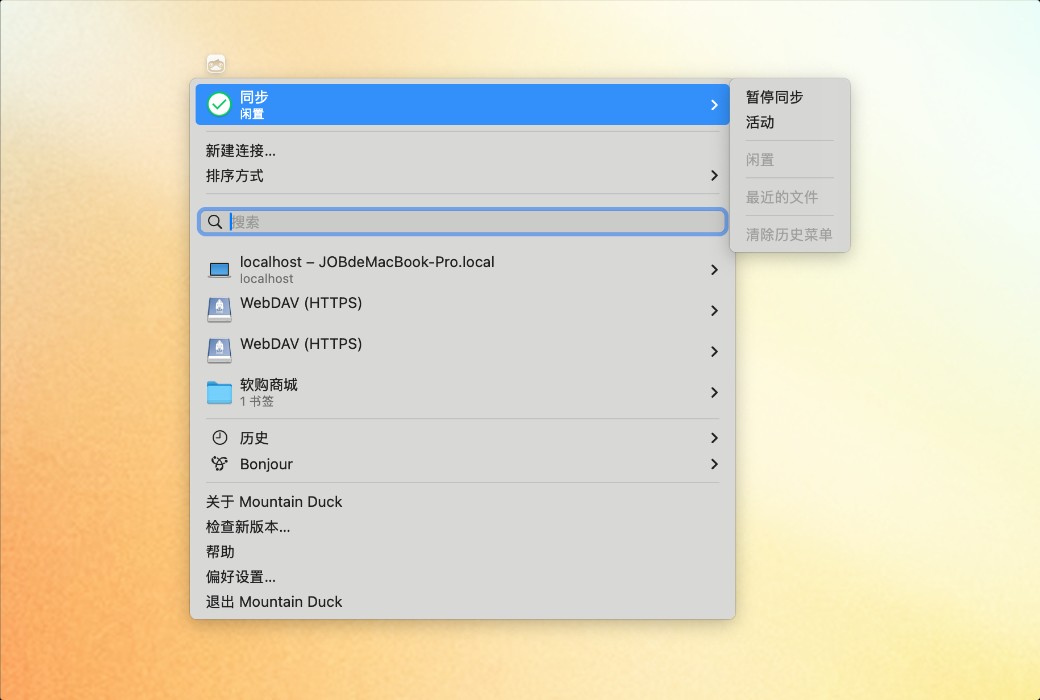
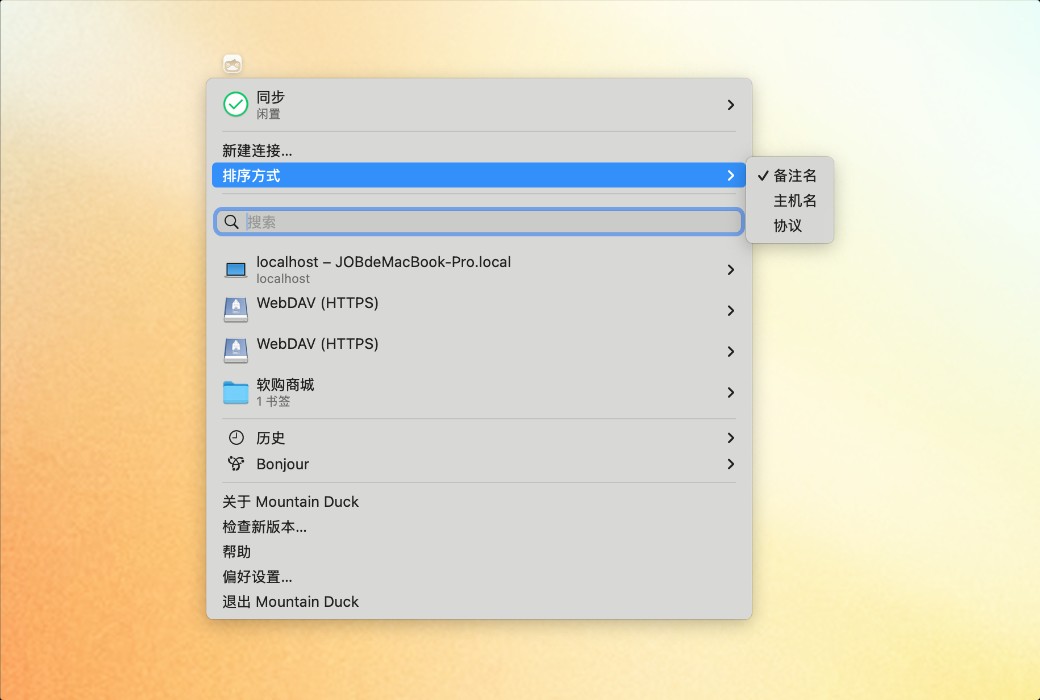
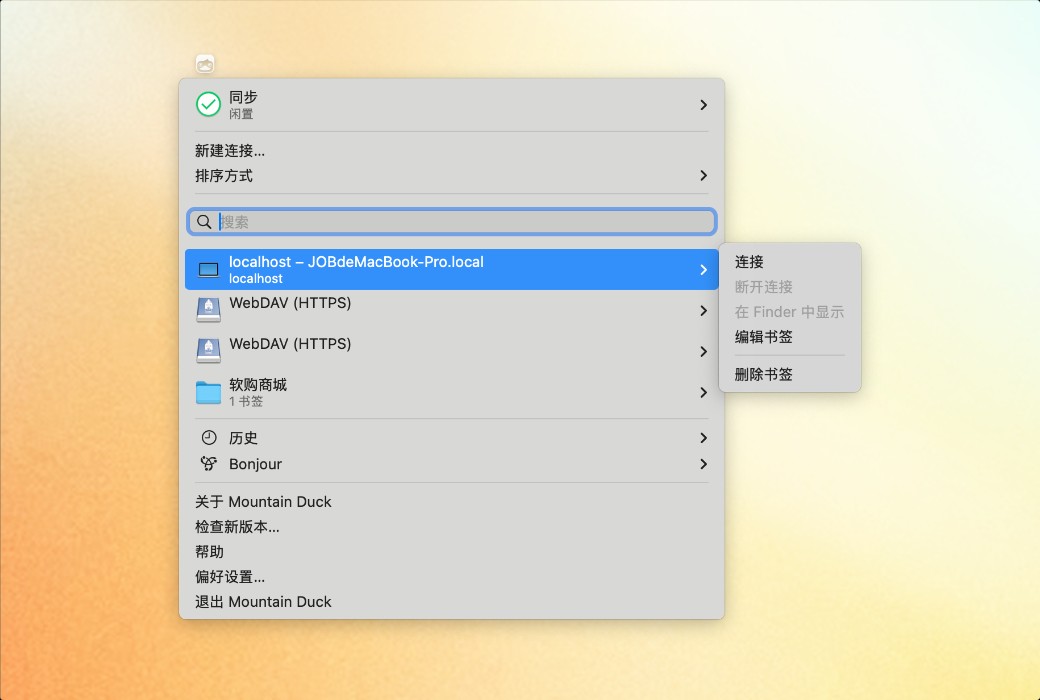
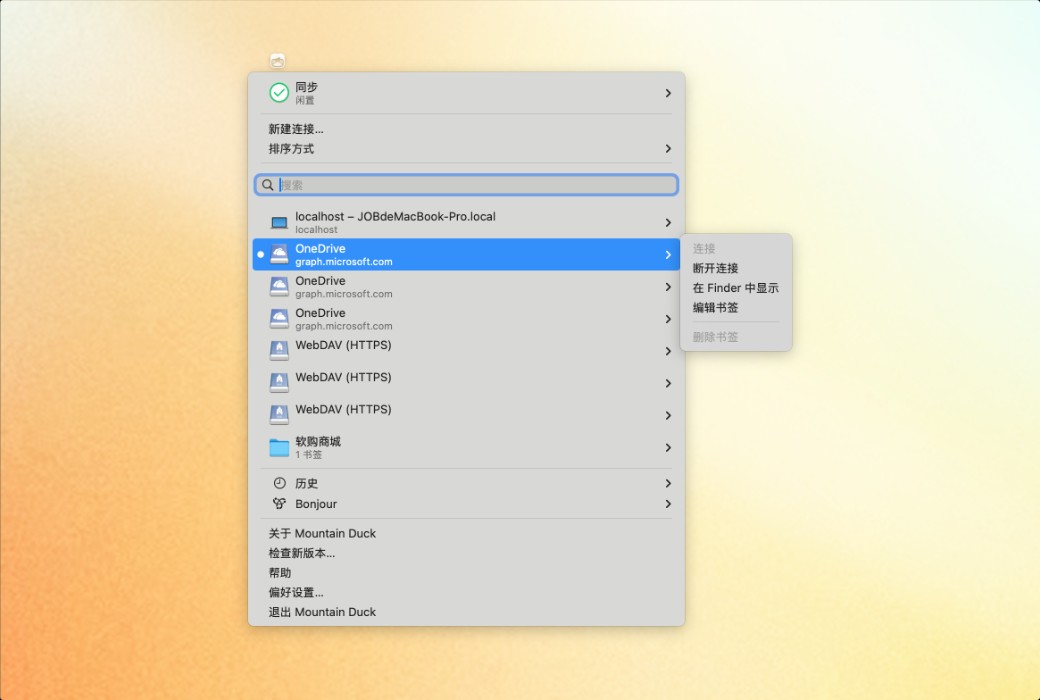
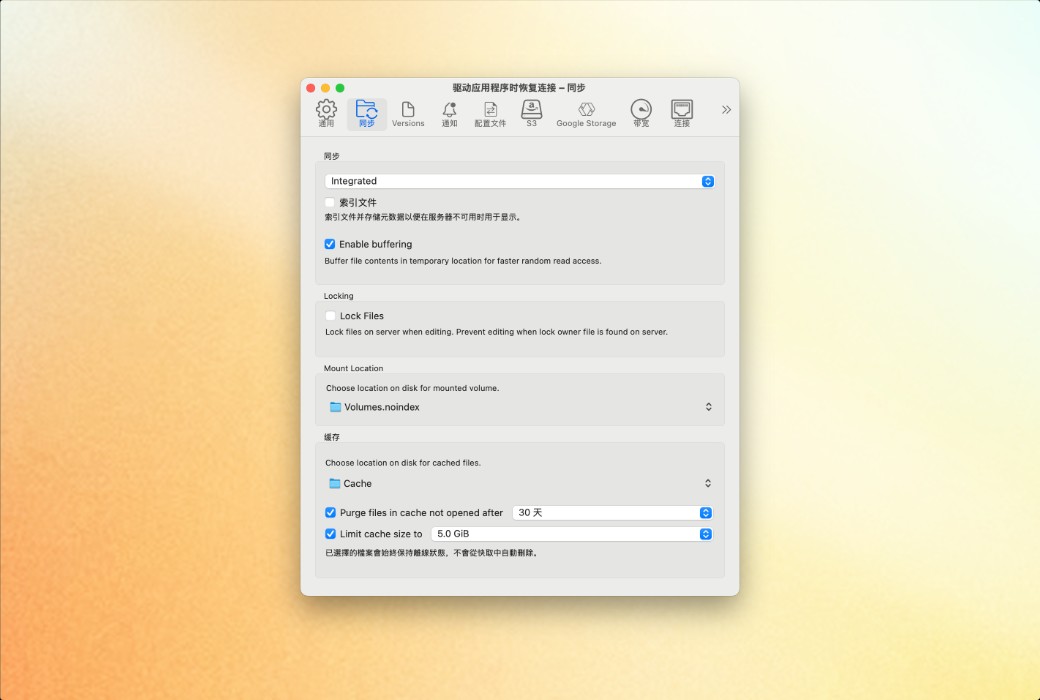
Resides in the status bar on macOS and the system tray on Windows, providing synchronization progress, file history, and connection management functions. You can easily adjust synchronization options anytime, anywhere, through the context menus in Finder and File Explorer.
Notifications
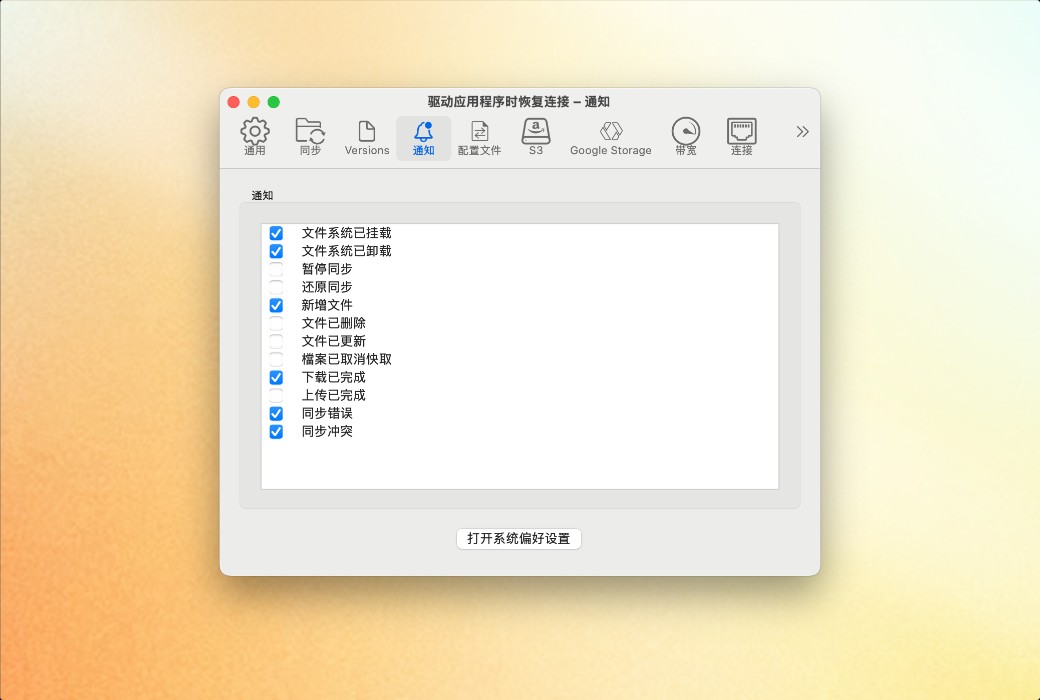
Displays notification badges when files on the server are added or updated.